01
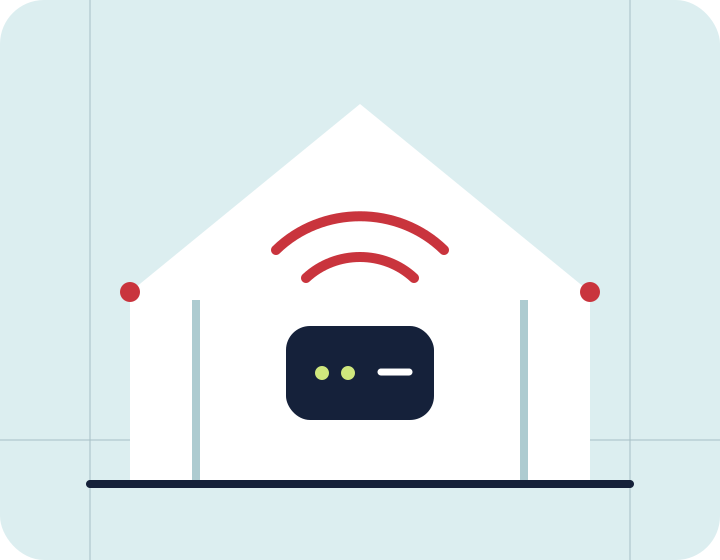
Keep the router open, elevated and away from metal
Internet · WiFi
Performance at the router can differ sharply from the experience at the edge of a room. Placement, obstacles and radio bands all matter.
Key considerations
Improve WiFi placement, reduce dead zones and distinguish wireless issues from line-performance problems.
Keep the router open, elevated and away from metal
Use 5 GHz nearby and prioritise reach farther away
Measure several locations before adding equipment
Selection guide
Test near the router first, then test at the point of use at roughly the same time. If the nearby result is good but the distant room is poor, address placement, obstacles or coverage; if both are poor, investigate the line and endpoint.
Details to verify
Record location, band, device and test time so that one result does not drive the decision. Avoid buying additional access points before locating the dead zones.
FAQ
Walls, distance, obstacles and interference can weaken the radio signal even when the access line at the router is working normally.
Related solutions
A clear choice is the first connection
Explore Internet, mobile and digital solutions around your needs in Ho Chi Minh City.